
Farrago: The Cthulhu Filmmaking App!

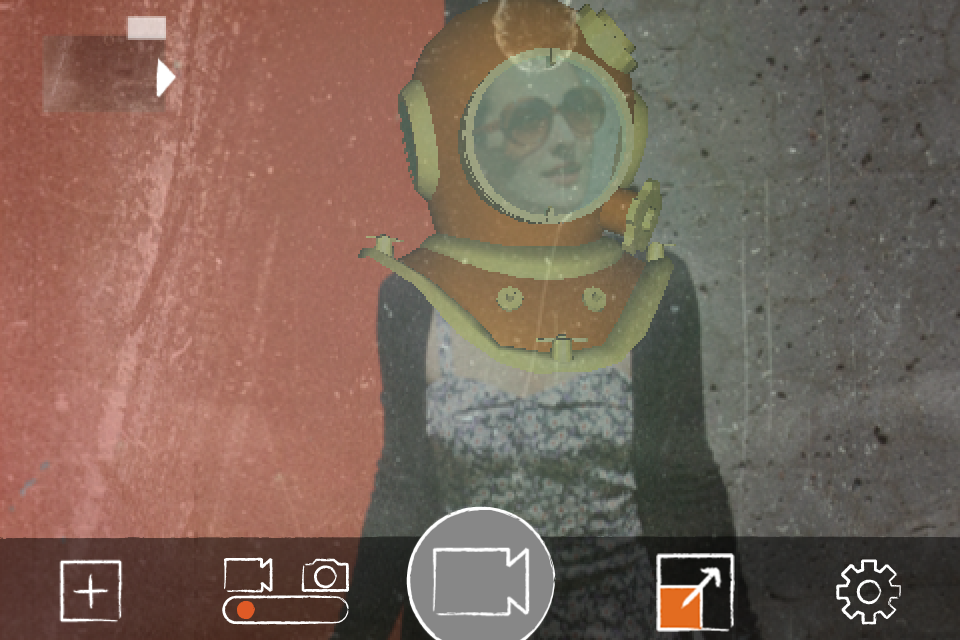
This film was shot with Farrago*, the world’s finest Augmented Reality (AR) Cthulhu-Filmmaking iPhone app.

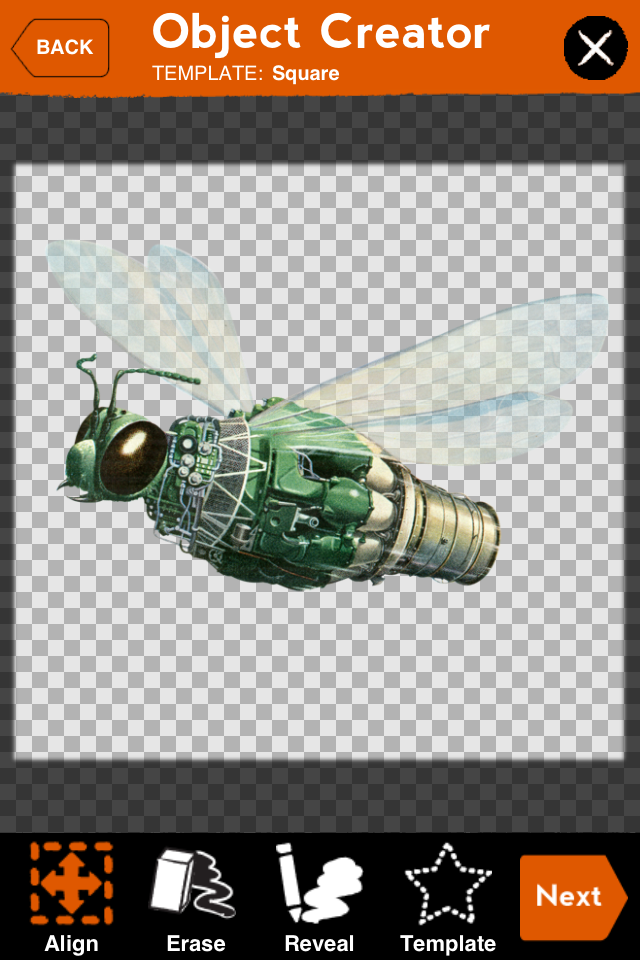
This particular video was filmed using Farrago’s unique Cthulhu object: featuring the latest in Advanced Wiggly Tentacle Technology (AWTT).
No other AR filmmaking app delivers more Cthulhu satisfaction for your iPhone or iPod Touch.

“It’s like the Ancient One is right there with us wherever we go! 5 stars for Farrago AR!” – The Deep Ones -

Yes, Farrago. Now available at your local iTunes App Store at popular price.

*edited on iPhone using the stupendous iMovie app with groovy old-timey filter courtesy of the fantastic CinemaFXV app.

Farrago Update Now Available!

Photo on 2011-10-10 at 17:18.jpg

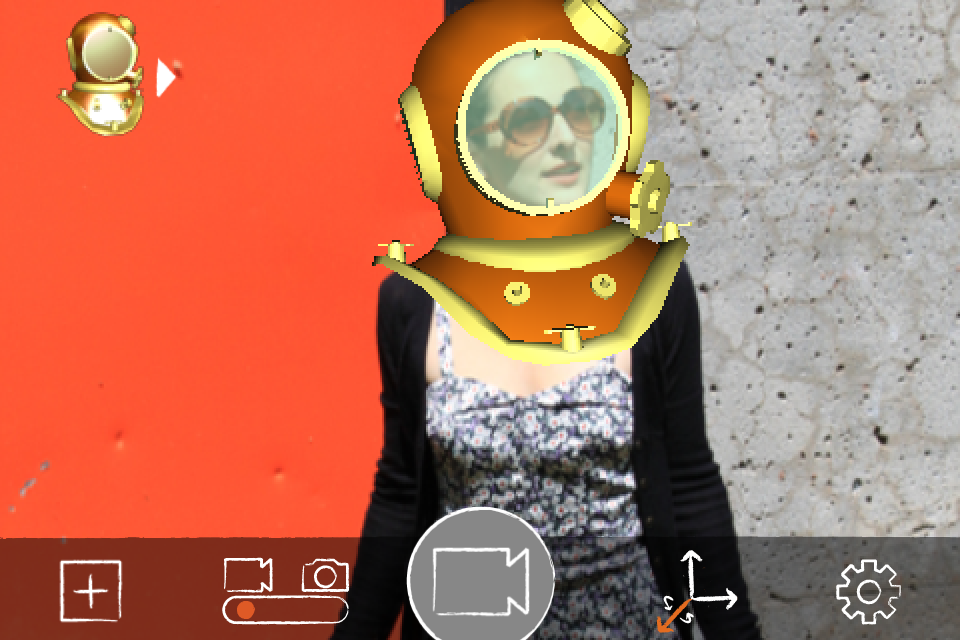
Ahoy! We just posted a new version (1.2) of Farrago on the App store. The update includes:

  • * New 3-D objects
  • * Improved graphics engine
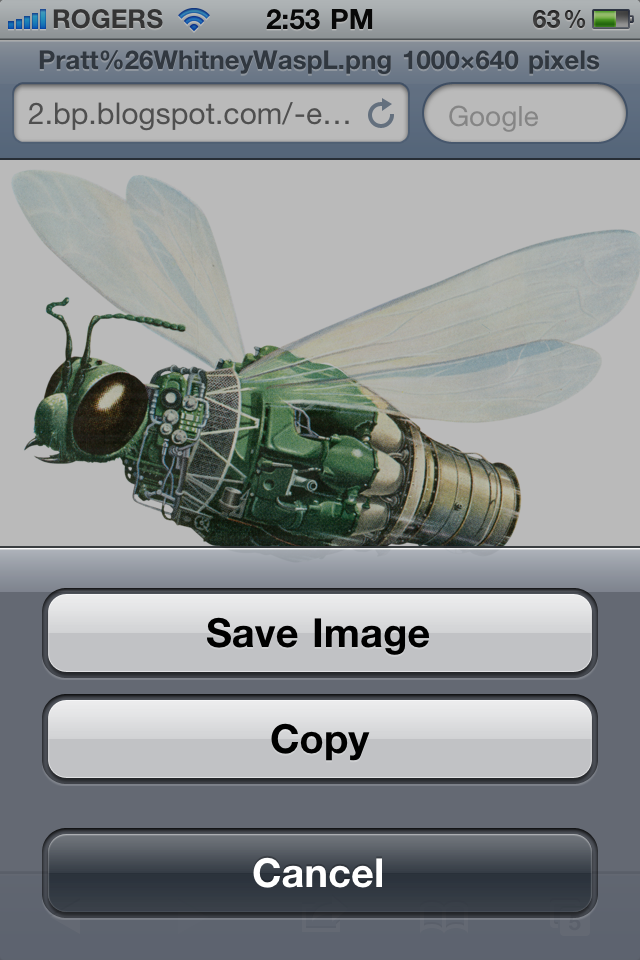
  • * 3-d preview of custom objects
  • * Ability to delete unwanted custom objects from the library
  • * A few bug fixes (notable video recording crash on iPod Touch/3GS)


Get the new version today, and start exploring the depths of perception!

Photo on 2011-10-10 at 17:04.jpg


Farrago: AR Apparel

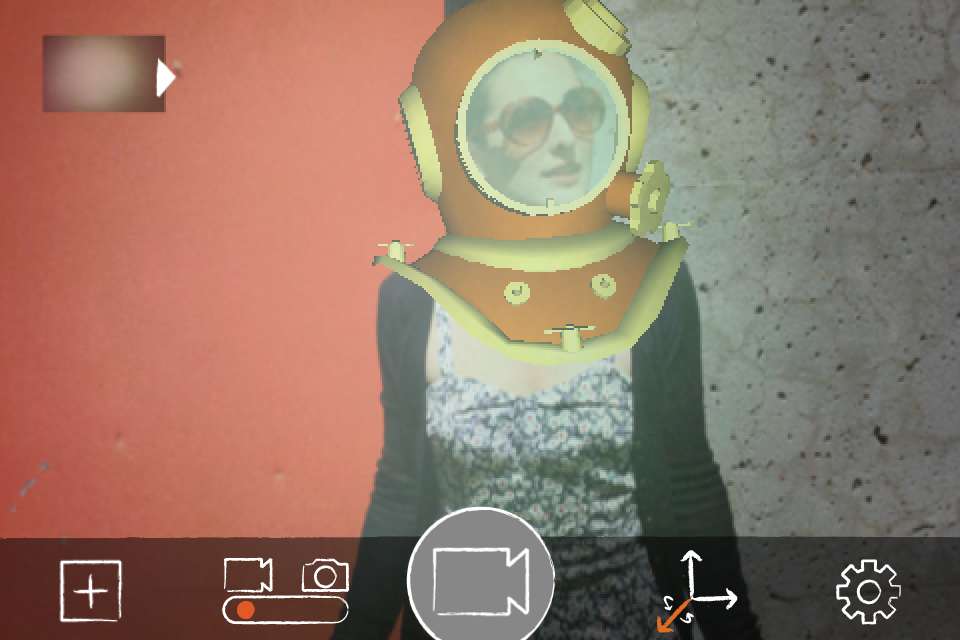
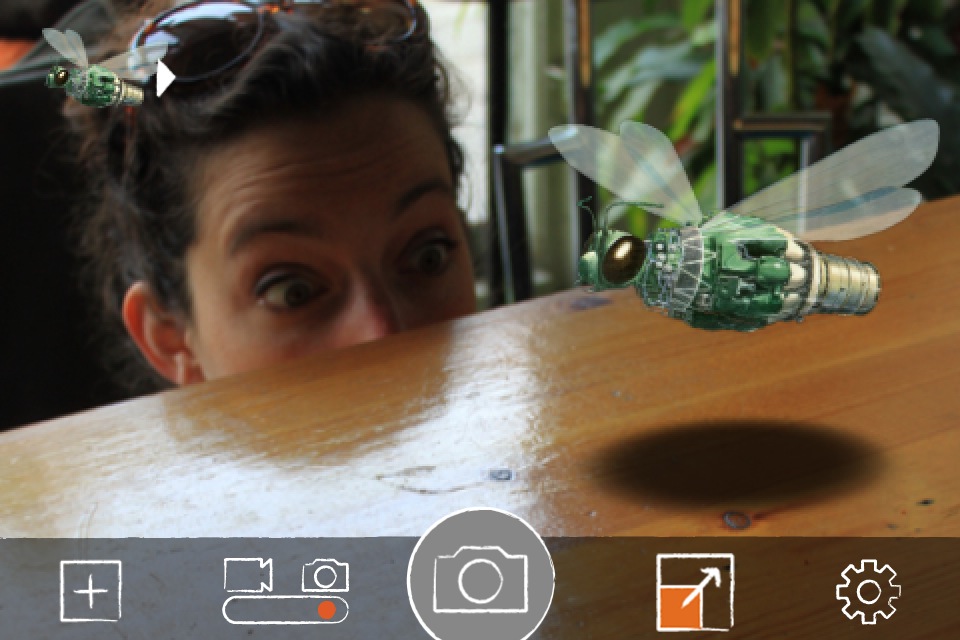
Augmented Reality fashion has arrived at Farrago. Visit our new Shop to browse our fine selection of mixed-reality threads. All our clothing works with the Farrago app, as illustrated in this moving picture- show.

Music by NOIA

Farrago: Slippery When Dead

This film was shot with Farrago*, the world’s finest Augmented Reality (AR) Zombie-Filmmaking iPhone app.

The Farrago App includes over 40 3-D objects for your mobile AR filmmaking pleasure. This particular video was shot* using Farrago’s exquisite Zombie Head object and, unlike ordinary AR filmmaking iPhone apps, the other props, such as the pool of blood and warning sign, were added to the scenes using Farrago’s state-of-the-art Object Creator feature. No other AR filmmaking app delivers more Zombie satisfaction for your iPhone.

Yes, Farrago. Now available at your local iTunes App Store at popular price. 

*edited on iPhone using the stupendous iMovie app with groovy old-timey filter courtesy of the fantastic CinemaFXV app.
Farrago Tip: Adding a Background Image

You do not always have to use the camera view as the main background for your Farrago scene.

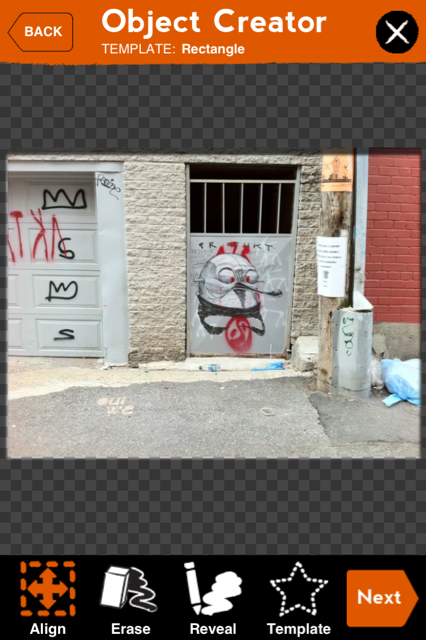
If you like, you can create a backdrop object from a photo or image by using the object creator.

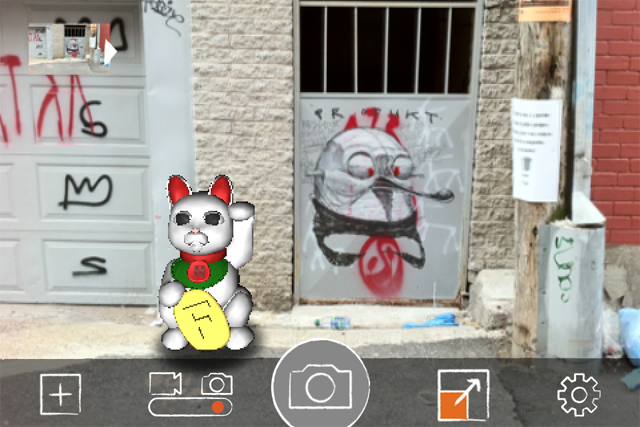
In this example I created a new object using a photo of some graffiti in an alley that I had stored on my camera roll.

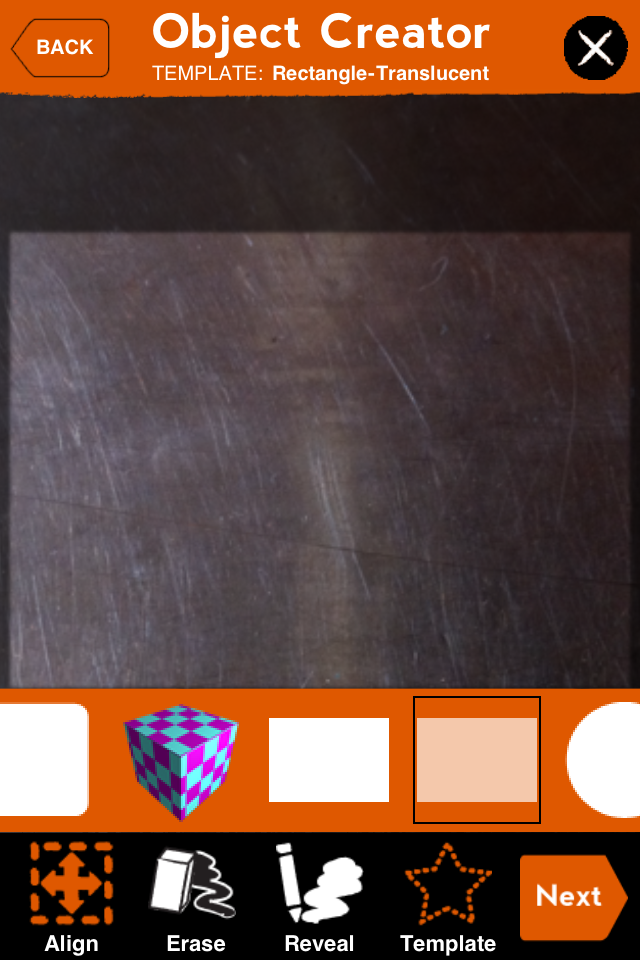
Making a Backdrop in the Object Creator

I applied it to a rectangle template, and scaled it up to fit within the camera view of the scene. Then I added the cat (and the shadow under the cat) in front of the backdrop.

(you will want the backdrop “behind” your other objects, so use three-finger scrolling to push the object back)

Loading the backdrop into your scene

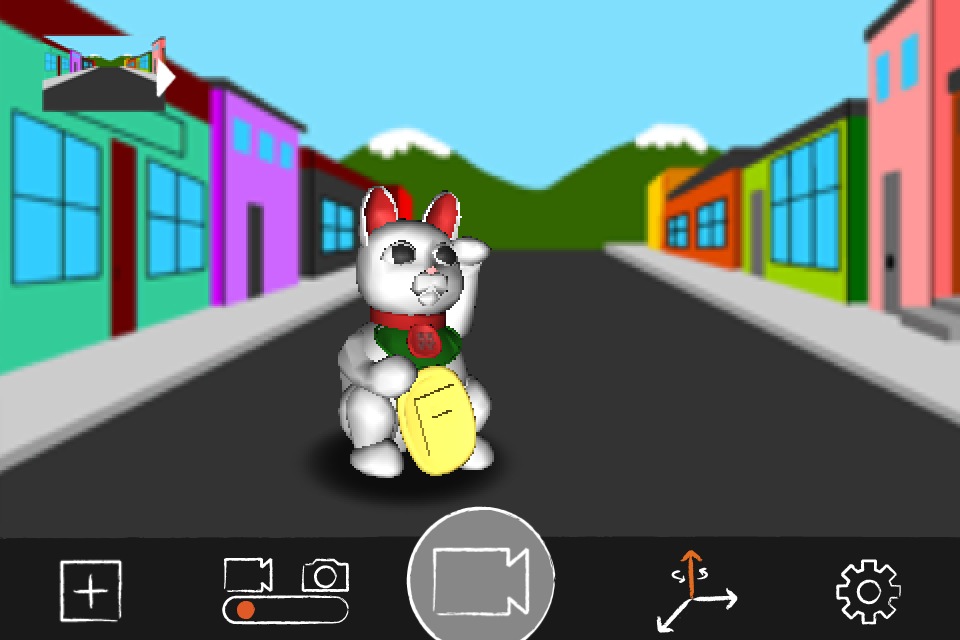
And to drive the idea home even further, who’s to say you have to use a realistic backdrop?

Toonville

In a future upgrade we hope to make this a more streamlined process (something like “add image as background”) but wanted to show you this method to use in the meantime.